What you'll get
- A working branch finder on a live Google Map, built from one description, with no code and no credit card.
- Two more ready prompts: a multi-stop route plan for a service team and a field-visit map from a list of addresses.
- The four things to do before real use: billing, a locked API key, quotas and keeping personal data out.

Describe your branch finder in AI Studio
AI Studio is Google's free workspace where Gemini builds small apps from a description. When your request involves places or maps, AI Studio notices and sets up the Google Maps tools by itself.
- 1. Open ai.studio/build and sign in with any Google account.
- 2. Paste the request from the box below. Swap the sample branches for 3 to 5 of your own, with their opening hours.
- 3. Press Build.
Check it worked: It worked if Gemini starts building and asks you to set up Google Maps Platform. That is the next step.
NoteUse public business details only. No customer names, phone numbers or anything personal.
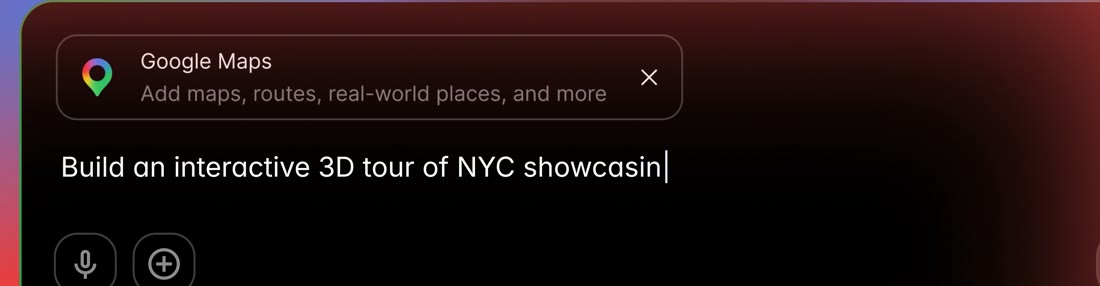
Build a branch finder for our company on a Google Map, with a list of branches next to the map.
For each branch show the address, phone number and opening hours, and add an "Open now" filter.
Let a visitor type an address or use their current location, sort the branches by distance, and get directions to the nearest one.
Use these branches:
- Branch name, full address, opening hours
- Branch name, full address, opening hours
- Branch name, full address, opening hoursSwitch on Google Maps at no cost
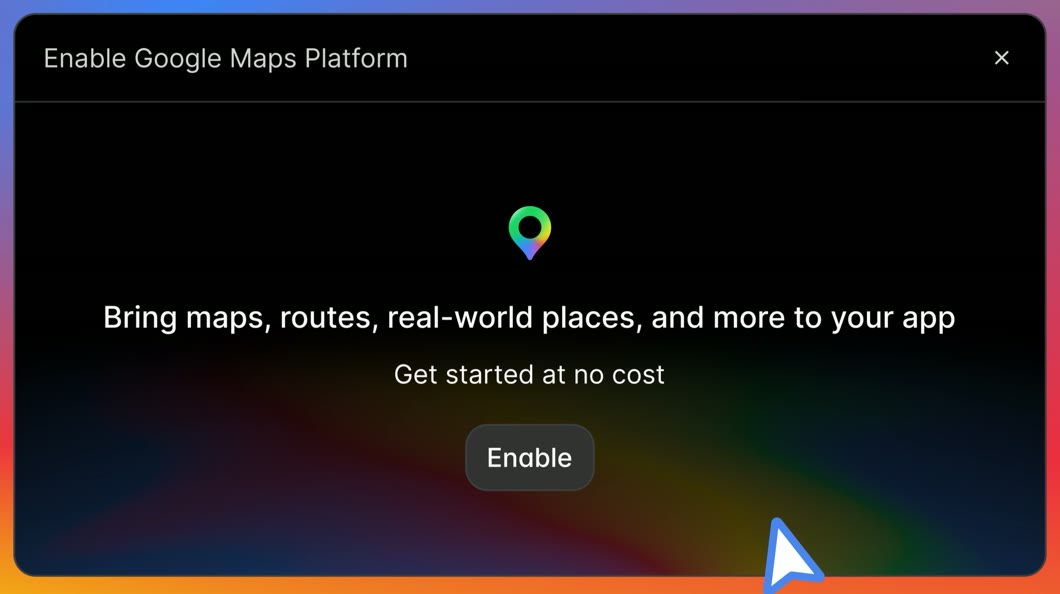
AI Studio sets up Google Maps Platform inside the chat, with no trip to another site. It creates a free demo key for you. An API key is the password your app uses to talk to Google Maps.
- 1. When the Enable Google Maps Platform window appears, press Enable. In some versions it is a Set up Google Maps Platform card with an Enable Google Maps button.
- 2. Accept the Maps Demo Project Terms of Service if AI Studio asks.
- 3. Already use Google Cloud? AI Studio lets you pick the free demo key or one of your billed projects. For this first try, take the demo key.
Check it worked: It worked if the preview area refreshes and shows a live map with your branches.
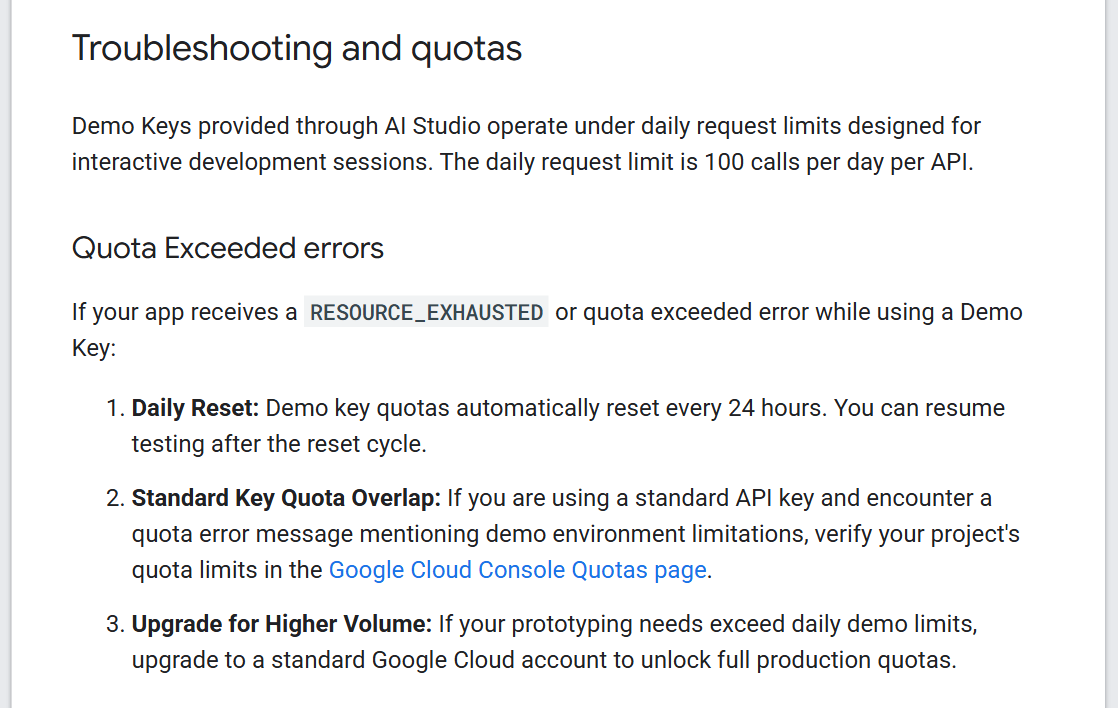
NoteNo window? Open Settings (the gear icon), then the Integrations tab, then Google Maps Platform. The demo key allows 100 calls a day per API. If the app shows RESOURCE_EXHAUSTED, the day's quota is used up: wait for the 24-hour reset.
Test the map, then fix it in words
Use the app like a customer would. Then ask Gemini for changes in the chat, the same way you described the app.
- 1. Type an address in the search box and check the nearest branch comes first.
- 2. Click a branch and check its opening hours are right.
- 3. Ask for one change at a time, for example: "Make the pins our brand colour" or "Add a Call button to each branch".
Check it worked: It worked if the distances look right and every branch shows the hours you gave it.
Want a head start? Google's AI Studio gallery has a Store Locator & Near Me Finder app built on Google Maps and the Places API. Open it from the gallery and build on it with your own branches.
Note3D maps and the live traffic layer are not available in every country. In Israel, for example, Google's coverage table lists maps, address search and driving, walking and biking directions, but not 3D maps or traffic. Check your own country there.
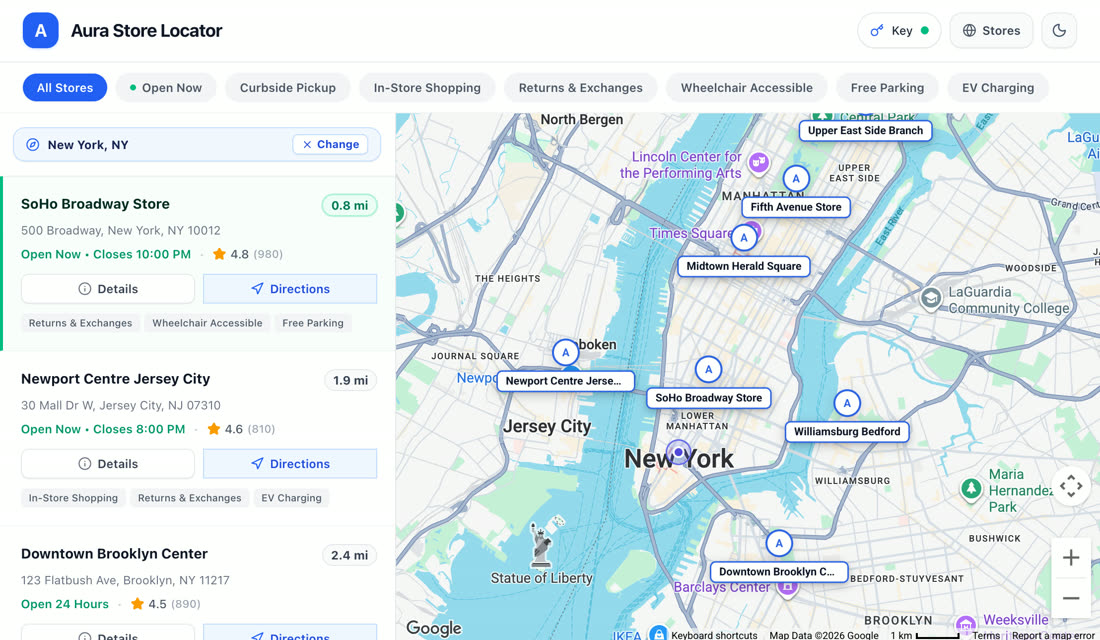
Plan a route for your service team
The same box builds a daily route plan with several stops. Start a new app in AI Studio and give it the request below.
- 1. Paste the request and press Build.
- 2. Enter a sample day: the warehouse, 6 to 8 customer stops with appointment times, and 2 vans.
- 3. Look at the result: each van in its own colour, the order of stops and the expected finish time.
Check it worked: It worked if every stop appears on one van's route and the finish times look realistic for your area.
Google's own example of this is the Pet Grooming Route Optimizer in the AI Studio gallery. It plans multi-stop routes for mobile service fleets with the Routes API.
NoteThe free demo key leaves out Google's Route Optimization API, so on the demo key Gemini plans with the Routes API.
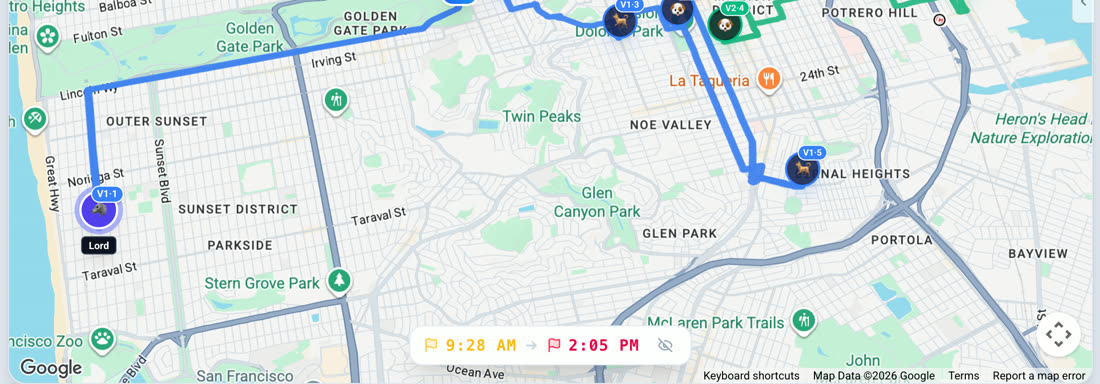
Build a daily route planner for our service team on a Google Map.
I enter the warehouse address, a list of customer stops with appointment times, and the number of vans.
Show each van's route in its own colour, with the order of stops, the drive time between them and the expected finish time.
Flag any stop that will be late for its appointment.
Keep the stop list editable so I can add or remove a stop and plan again.Turn an address list into a visit map
Most sales and field teams already keep their visits in a spreadsheet. Paste that list and get a map with a plan for each day.
- 1. Start a new app and paste the request below.
- 2. Copy the address and date columns from your sheet, one visit per line, and paste them into the app.
- 3. Check that each pin landed on the right street.
Check it worked: It worked if every address has a pin, each day has its own colour, and each day shows a driving order.
NotePaste addresses and dates only: no names, phone numbers or notes. Google's pages on this feature don't say how pasted data is handled.
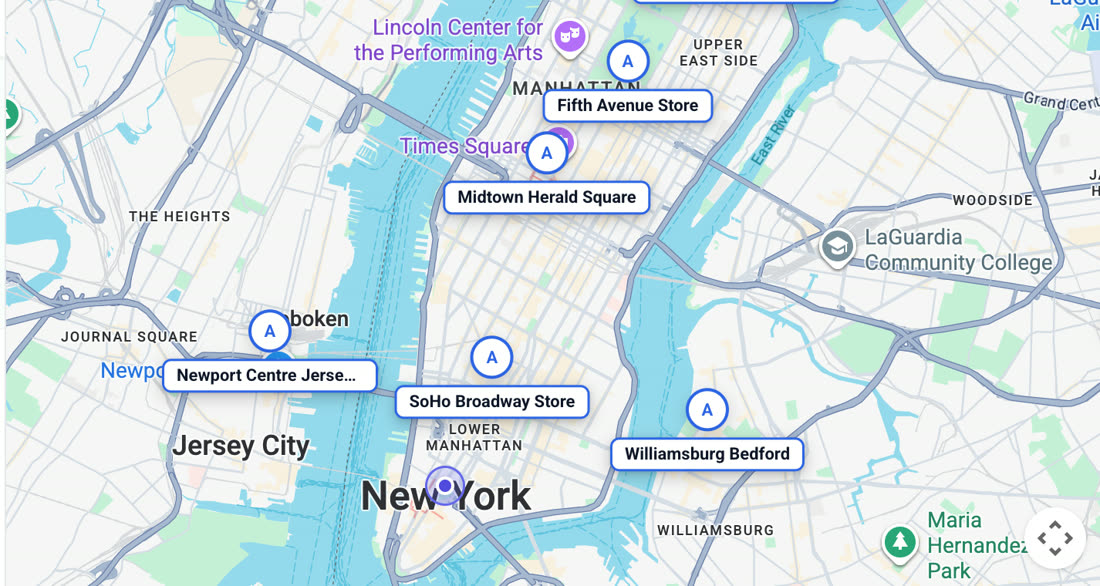
Build a field-visit map on a Google Map.
I paste a list of visits, one per line: address, visit date.
Put a pin on the map for every address and colour the pins by date.
Show the list next to the map, grouped by day.
For each day, suggest the shortest driving order starting from our office, and show the total drive time.
If an address can't be found, list it at the top so I can fix it.Before real use: billing, key, quotas
The demo key is for trying things out. Before customers or the whole team use the app, do these four things, with whoever runs Google Cloud at your company.
- 1. Link a Cloud Billing account to the project in the Google Cloud console. Google says the demo key keeps working.
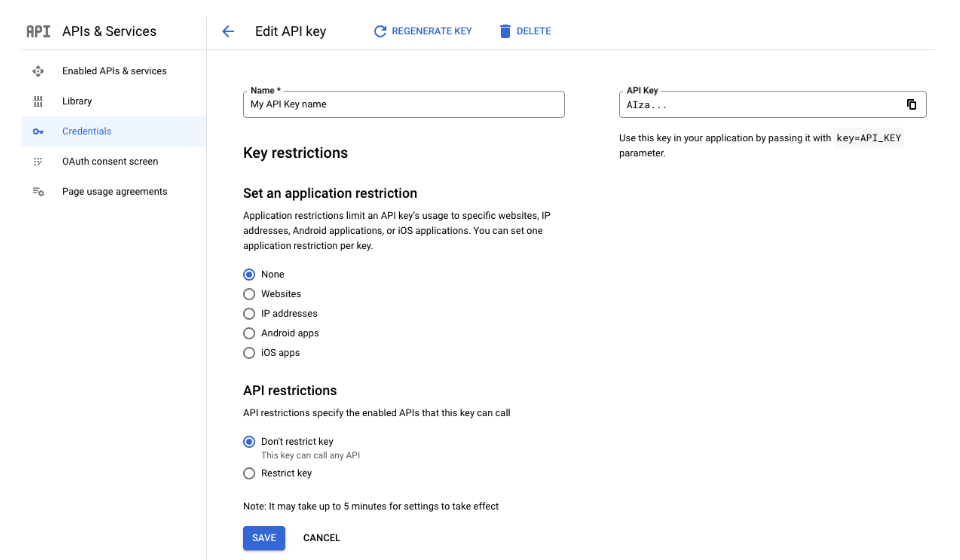
- 2. Lock the key: on the Google Maps Platform Credentials page, select it, choose Set an application restriction, then Websites, and enter your site. Under API restrictions, choose Restrict key.
- 3. Check the limits on the Quotas page in the console.
- 4. Keep customer personal data out of prompts, as in step 5.
Check it worked: It worked if the map still loads on your site and the key shows a Websites restriction on the Credentials page.
For a company with many branches or vans, the same steps can become one managed tool that every team uses.
NoteAfter billing, Google's pricing page lists free calls every month: 10,000 per Essentials item, 5,000 per Pro item.