What you'll get
- The one sentence that makes Claude Code save what it learned, in the right place.
- A quick way to see exactly what it saved, and to fix anything wrong.
- A rule that makes it a habit in all your projects, plus a 5-minute weekly cleanup.
Say the sentence before you close
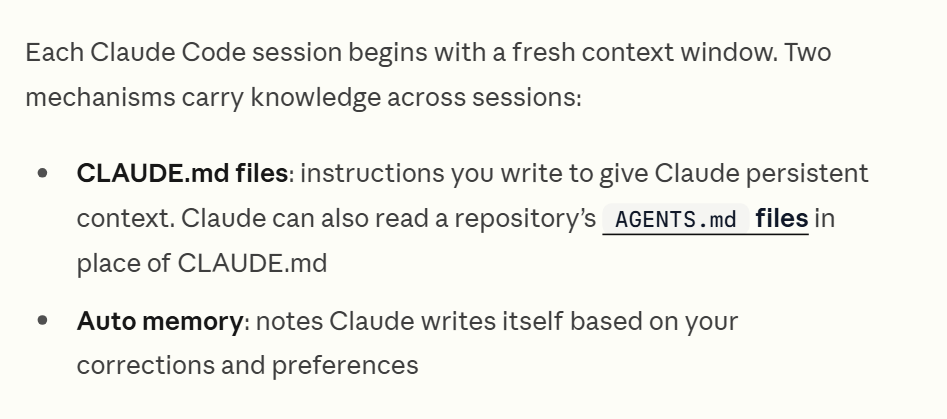
A new session knows only what is written in files. So before you close a session where you taught Claude Code something (a correction, a decision, a better way to do a task), give it one sentence.
- 1. Stay in the same chat you worked in.
- 2. Paste the sentence below and send it.
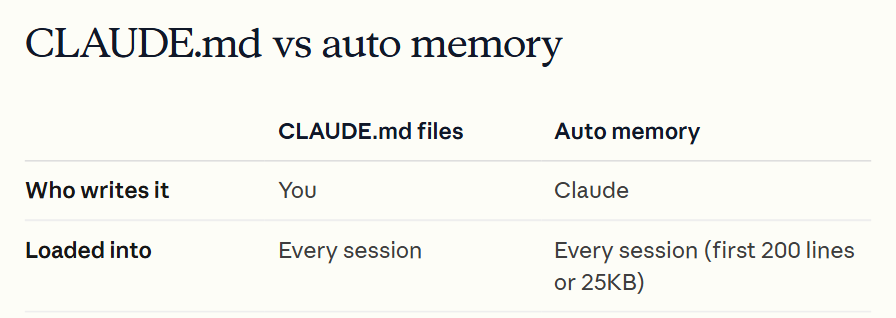
- 3. Let Claude Code pick the place: the project instructions (CLAUDE.md), its own memory, or the instructions of a related scheduled task.
Check it worked: It worked if it tells you which file it updated, or you see a note like "Saved 2 memories".
NoteIf it says there is nothing new to save, that's fine: Claude doesn't save something every session. If it saved a one-time detail, tell it: "Remove that, it was only for today."
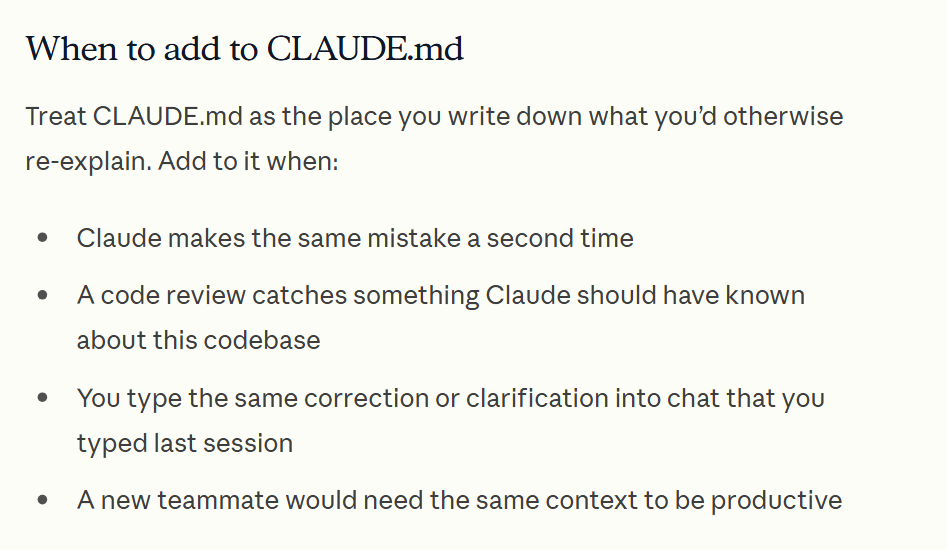
Update your knowledge in the project.Ask it to show what changed
This is the tip from the video: after it updates, ask it to show you exactly what it changed. You see that it kept what matters and nothing extra.
- 1. Paste the message below.
- 2. Read the list. If a line is wrong or was only for today, tell it to fix or remove that line.
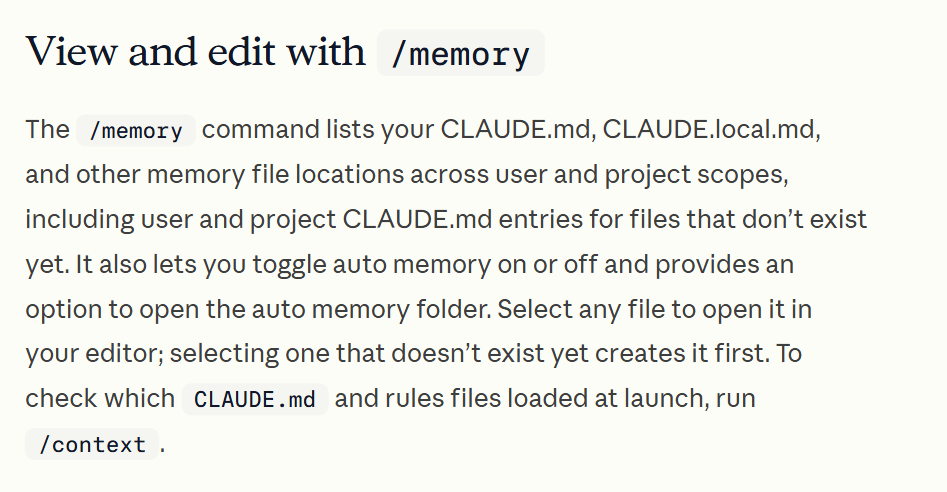
- 3. To look for yourself, type
/memory. It lists your CLAUDE.md files and has an option to open the auto memory folder. Pick a file to open it in your editor.
Check it worked: It worked if you can point to the exact lines it added, and each one is something you want it to know next week.
NoteMemory files are plain text. You can read, edit or delete them yourself at any time.
Show me exactly what you changed: for each file, its name, the lines you added or removed, and why you chose that place. Don't change anything else.Make it a habit in every project
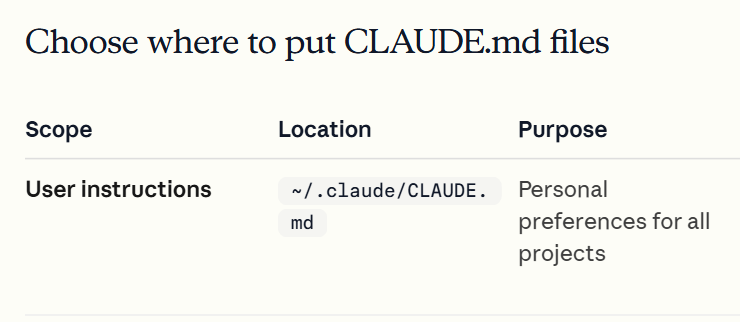
Claude Code reads your personal instructions file (~/.claude/CLAUDE.md) in all your projects. One rule there makes it offer the update by itself, so you don't have to remember.
- 1. Open Claude Code in any project.
- 2. Paste the message below.
- 3. Start a new session, type
/memory, open your user CLAUDE.md and check that the rule is there.
Check it worked: It worked if, at the end of your next piece of work, Claude Code asks whether to update the project knowledge.
NoteClaude reads CLAUDE.md as context, so it follows the rule most of the time, but nothing forces it. If it forgets to ask, say the sentence yourself.
Add this rule to my personal instructions file (~/.claude/CLAUDE.md), so it applies in all my projects. Keep it short and don't change anything else in the file:

## Keeping knowledge
- When we finish a piece of work in which I taught you something new (a correction, a decision, a better way to do a task), ask me: "Shall I update the project knowledge?"
- When I say "Update your knowledge in the project", or that we're done for today: decide yourself where each thing belongs (this project's CLAUDE.md, your auto memory, or the instructions of a related scheduled task), update it, and then show me exactly what you changed.
- Never save passwords, keys or personal details.Clean up the memory once a week
Memory that only grows gets messy. Claude Code reads just the first 200 lines of its memory index when a session starts, and the docs suggest keeping each CLAUDE.md under 200 lines. When two lines contradict each other, Claude may follow either one.
- 1. Once a week, open the project and paste the message below.
- 2. Approve only the changes that make sense to you.
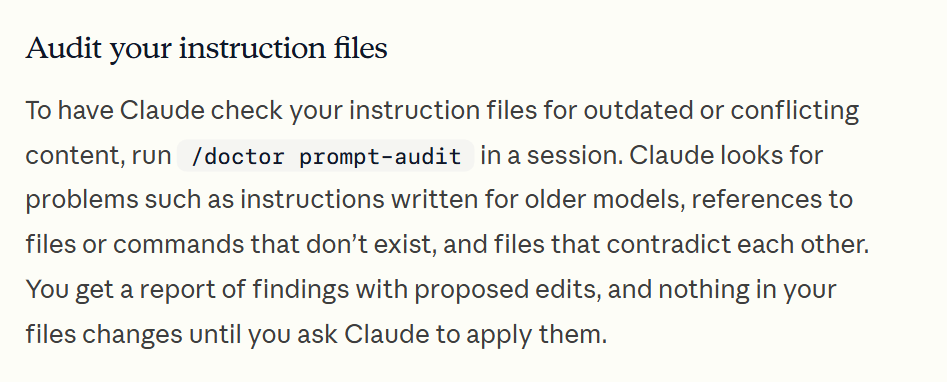
- 3. For a deeper check of your instruction files, type
/doctor prompt-audit. You get a report with proposed edits, and nothing changes until you ask.
Check it worked: It worked if you get a short list of proposals, and your files change only after you say yes.
Note/doctor prompt-audit needs Claude Code v2.1.283 or later. Using the Claude desktop app? You can make this weekly check a scheduled task with the Weekly option, then review its session under Scheduled in the sidebar.
Review what you know about this project: this project's CLAUDE.md and your auto memory for it. Find lines that are outdated, repeated or contradict each other, and anything that was only for one day. Show me a short list of proposed changes. Don't change anything until I approve.For a team: when shared memory makes sense
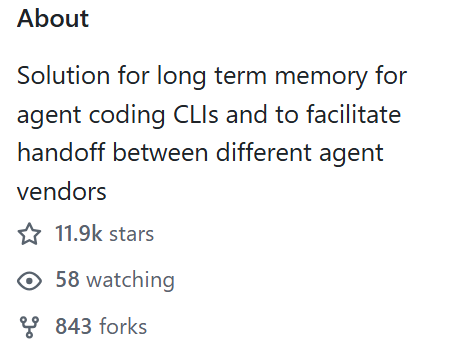
Claude Code's memory stays on one computer and belongs to one tool. ai-memory, an open source project with nearly 12,000 stars on GitHub, connects more than 20 coding agents (Claude Code, Codex, Cursor, Gemini CLI and others) to one shared memory.
- Stop Claude Code mid-task, open another tool in the same folder, and the new agent gets a handoff: where you left off, what failed and what is still open.
- The memory is plain markdown files kept in git, so you can read and edit them by hand.
- By default it makes no calls to an AI model. On one team server, what one person's agents learn, everyone's agents can find.
Check it worked: Worth a look if your team uses several AI tools side by side and has a developer to set it up.
NoteIt's a developer tool: you install it and run your own server. Native Windows is still experimental; Windows through WSL2 is supported. Before you install anything, start with the sentence: it costs nothing and works today. If you run a company and want one memory across your team's tools, that is the kind of setup I build.