What you'll get
- Your website's PHP version, and whether it already has the 21 October fix.
- A ready message to your hosting company, sent today.
- A weekly Gemini task that tells you about new security warnings in plain words.

Check which PHP your site runs
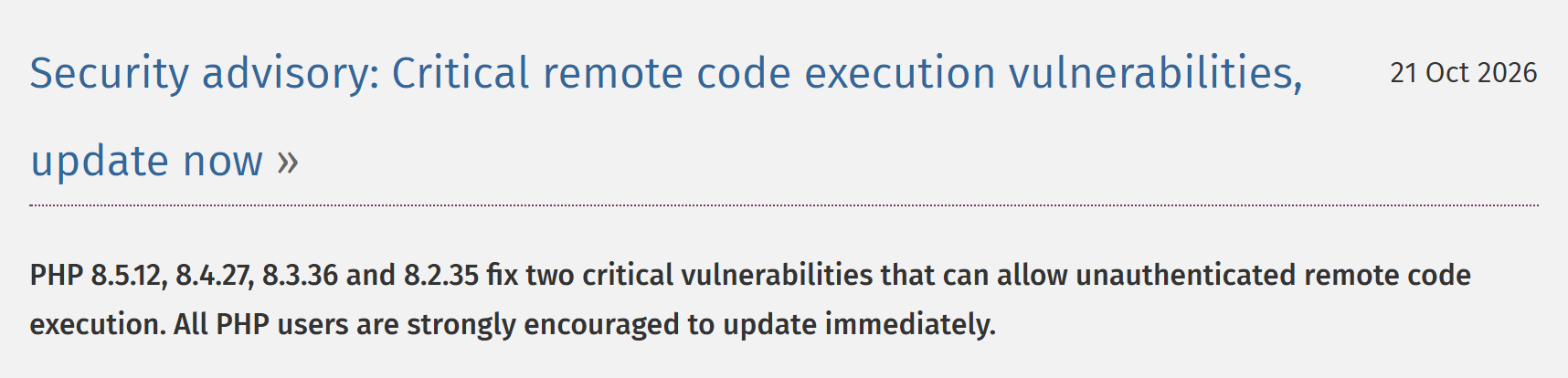
PHP is the code that runs most websites, WordPress included. On 21 October PHP released a fix for two critical flaws. Wiz says the update is the only complete fix.
- 1. Log in to your WordPress admin.
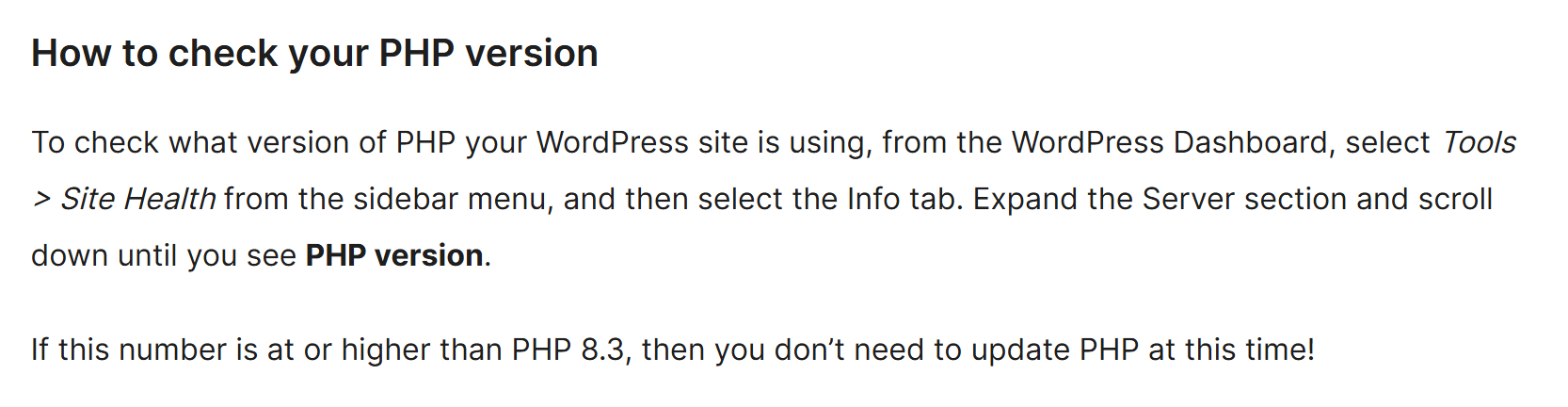
- 2. In the sidebar, open Tools → Site Health, then the Info tab.
- 3. Open the Server section and find PHP version.
- 4. Compare it with the fixed versions: 8.5.12, 8.4.27, 8.3.36 and 8.2.35. If yours starts with 8.3, you need 8.3.36 or later. The same goes for the other lines.
Check it worked: It worked if you have your PHP version written down and know whether it's fixed.
NoteNot on WordPress, or no admin login? Go straight to step 2 and ask your host or web agency. PHP 8.1 and older no longer get updates from the PHP project, so ask them how to move to a supported version.
Ask your host for the fix today
PHP runs on your hosting company's server, so usually the host or your web agency installs the update.
- 1. Copy the message below, add your domain and send it to your host or web agency.
- 2. While you're in WordPress, open Dashboard → Updates and update WordPress, plugins and themes. WordPress recommends a backup first.
- 3. When they reply, check the PHP version again, the same way as in step 1.
Check it worked: It worked if Site Health shows a fixed version, or you have the host's written confirmation.
NoteMany hosts let you change the PHP version yourself in their control panel. The menus differ from host to host, so if you can't find it, just send the message.
Hi, on 21 October 2026 PHP released security updates for two critical flaws (CVE-2026-109618 and CVE-2026-109619, known as PHP2Shell). Please tell me which PHP version runs my website [your domain] and when it will be updated to a fixed version (8.5.12, 8.4.27, 8.3.36, 8.2.35 or later). If my site runs PHP 8.1 or older, please tell me how we move it to a supported version. Thank you.Get Gemini 4 Argon
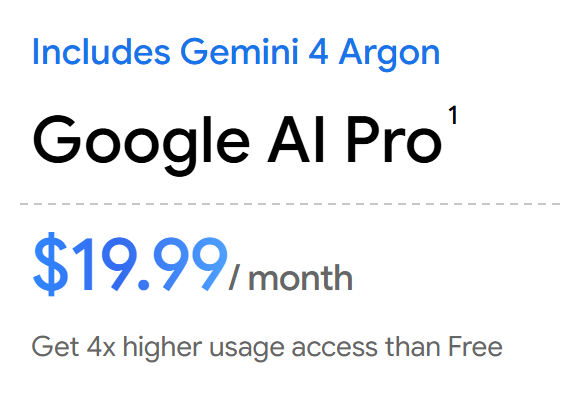
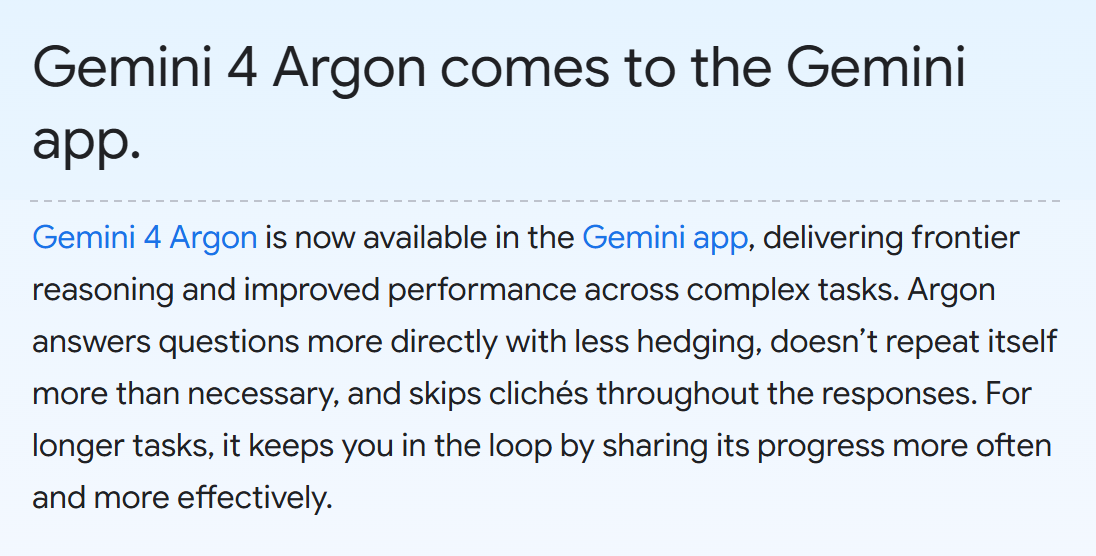
Gemini 4 Argon is the Google model Wiz worked with. In the Gemini app it comes with the Google AI Pro and Ultra plans. The Free and AI Plus plans don't include it.
- 1. Open gemini.google/subscriptions and pick Google AI Pro. It's $19.99 a month in the US and ₪74.9 in Israel. The page shows the price for your country.
- 2. Sign in with a personal Google account. Step 5 needs one.
- 3. Open gemini.google.com and choose Argon in the model menu at the top.
Check it worked: It worked if the model menu shows Argon. The exact wording can differ a little on your screen.
NoteSigned in with a work or school account? Gemini tasks (step 5) don't work with those yet, so use a personal Google account for this guide.
Ask Gemini to explain a warning
Hosting companies and plugins send security warnings full of jargon. Gemini can turn one into plain words and a first step. It works only with the text you paste and doesn't scan your website.
- 1. Find a recent warning: an email from your host, a plugin notice, or the PHP advisory from step 2.
- 2. Delete passwords, customer names and any login details from the text.
- 3. Paste the prompt from the box below into Gemini, then add the warning at the end.
Check it worked: It worked if you get a short explanation, one first action and questions you can forward to your vendor.
NoteUnsure about an answer? Ask Gemini for the official source and open it yourself.
I run a business and I'm not technical. Below is a security warning I received. Explain in plain words: 1) what it means for my website and my customers, 2) how urgent it is, 3) the one thing I should do first today, and 4) three questions to ask my hosting company or web agency. If something isn't clear from the text, say so instead of guessing. Here is the warning:Give Gemini a weekly watch job
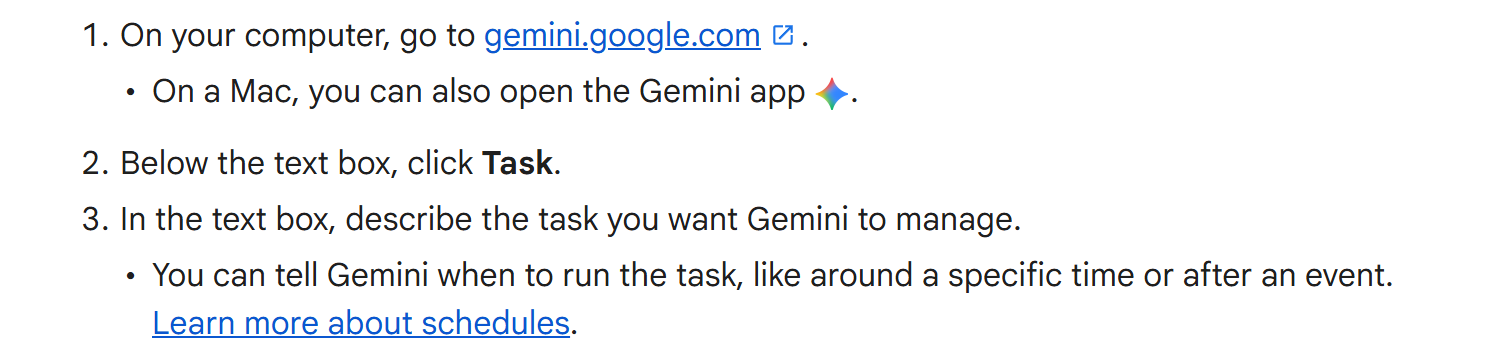
A task is a job you hand to Gemini. You can tell it when to run, for example every Monday.
- 1. On gemini.google.com, below the text box, click Task.
- 2. Paste the job from the box below and fill in your own list of plugins.
- 3. Not sure how to start? Type "interview me" in the task and Gemini walks you through the setup.
Check it worked: It worked if the task thread shows your job and its schedule. Look at it again after the first Monday.
NoteTasks need Google AI Pro or Ultra, a personal Google account, age 18 or over, Keep Activity on and Personal Intelligence turned on. They aren't available in the European Economic Area, the UK, Switzerland or Nigeria. Google calls tasks experimental, so read what Gemini sends you before acting on it.
Every Monday morning, look for new security warnings about the software my website runs on: WordPress, PHP, and these plugins: [your list]. Use official sources only, such as the vendor's own website. Tell me in plain words what's new, how serious it is and what I should do first. Give me the links. If there's nothing new, say so in one line.Three questions for your web vendor
The PHP fix came out on 21 October, and someone has to install it. The same goes for the next one. These three questions tell you who that is.
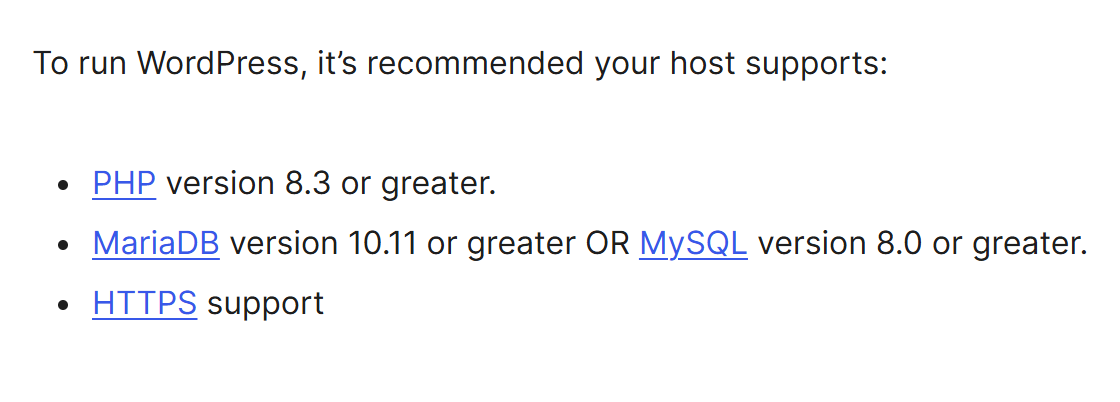
- 1. Which PHP version does my site run, and is it still supported? WordPress recommends 8.3 or higher.
- 2. When were PHP, WordPress and the plugins last updated?
- 3. Who gets the security notices for my site, and how fast do they act on them?
Check it worked: It worked if every answer has a name and a date.
With many sites and systems, this whole check can run as one company-wide routine.
NoteKeep the answers in one place. They're your starting point when the next warning arrives.