What you'll get
- Claude Code connected to Gemini Notebook (formerly NotebookLM), signed in with your own Google account.
- Long podcast episodes in your language, where two AI hosts explain how each topic applies to your work.
- A simple app that plays your episodes, counts your listening minutes and gets a new episode every morning.
Get the tools and connect them
Gemini Notebook (formerly NotebookLM) turns your sources into a podcast with two AI hosts. Claude Code is an AI agent that writes code from plain words. The free tool notebooklm-py connects the two.
- 1. Sign in at notebook.google with your Google account. The basic plan is free.
- 2. Install the Claude desktop app, sign in and open the Code tab. Select Local, click Select folder and pick an empty folder.
- 3. Paste the message below and approve its commands. Sign in to Google yourself in the browser window that opens, never in the chat.
Check it worked: It worked if Claude Code tells you the check says "status": "ok".
NoteClaude Code needs a paid Claude plan (Pro, Max, Team or Enterprise). notebooklm-py is a community project, not Google's, and can break when Google changes something. If it does, ask Claude Code to update it and log in again.
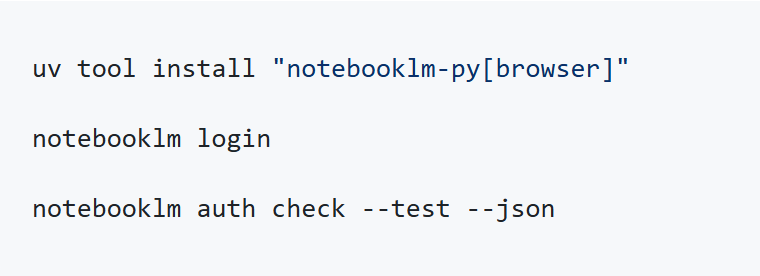
Install the open-source tool notebooklm-py the way its README recommends:
github.com/teng-lin/notebooklm-py
Then run this command, so I can sign in to Google myself in the browser window that opens:
notebooklm login
After I sign in, run this check and tell me in simple words whether it worked:
notebooklm auth check --test --json
Explain anything you need from me in plain language.Tell it who you are
A short "about me" file tells the podcast hosts who is listening and what you're working on, so every episode is about your work.
- 1. Paste the message below and fill in the brackets.
- 2. Claude Code saves it as a file in your project folder.
- 3. Read it once and fix anything that's wrong.
Check it worked: It worked if your folder now has a file called about_me.md with your details.
Create a file called about_me.md in this folder. It will be added as a source to every podcast episode, so the hosts know who is listening. Write it from these details:
My job: [for example, family lawyer]
What I'm working on now: [2 or 3 projects or goals]
Topics I want to learn about: [for example, AI tools for law firms, negotiation]
What I already know well, so the hosts can skip it: [...]
Language for my episodes: [English]Make your first episode
Now Claude Code does all the clicking for you: a new notebook, good sources, a long Deep Dive episode and the download.
- 1. Paste the message below and change the topic.
- 2. Let it run. A long episode takes a while to make, so you can do something else.
- 3. Open the MP3 file it downloads into the episodes folder.
Check it worked: It worked if you hear two hosts talking about your topic and about your own work.
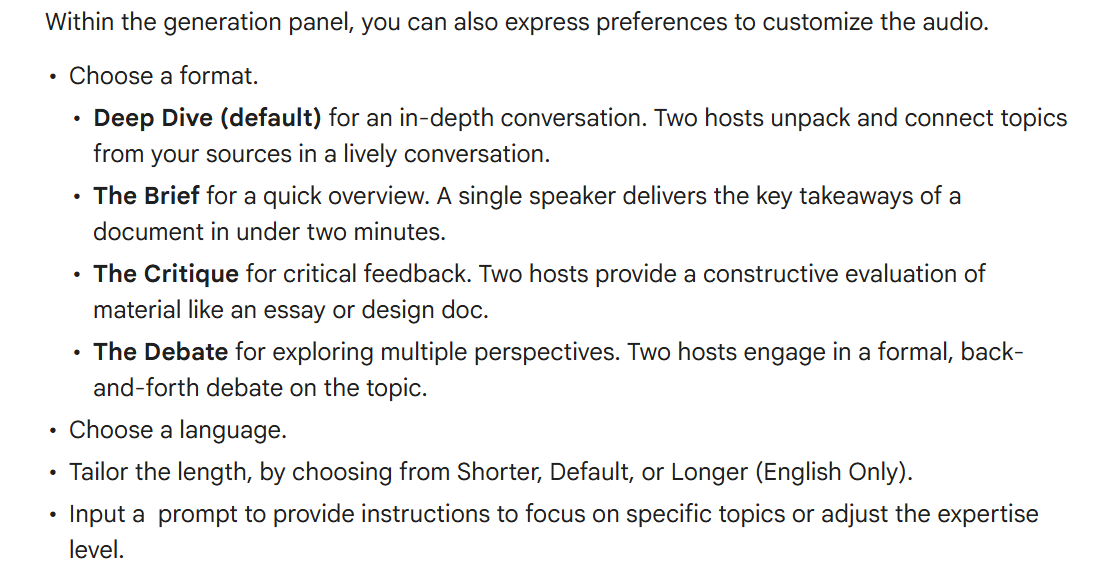
NoteGoogle's help center lists the Longer length for English only, so in other languages Claude Code may fall back to the default length. The hosts can make mistakes, so check anything important against the sources.
Use notebooklm-py to make my first podcast episode on this topic: [your topic].
1. Create a new notebook named after the topic.
2. Find 3 to 5 good, reliable sources on the web and add them, plus about_me.md.
3. Generate an Audio Overview in the Deep Dive format, in English, as long as possible. Tell the hosts: the listener is described in about_me.md; explain the topic in simple words with real examples, and spend a good part of the episode on how I can use it in my own work.
4. Wait until it's ready, then download it as an MP3 into a folder called episodes.Build your listening app
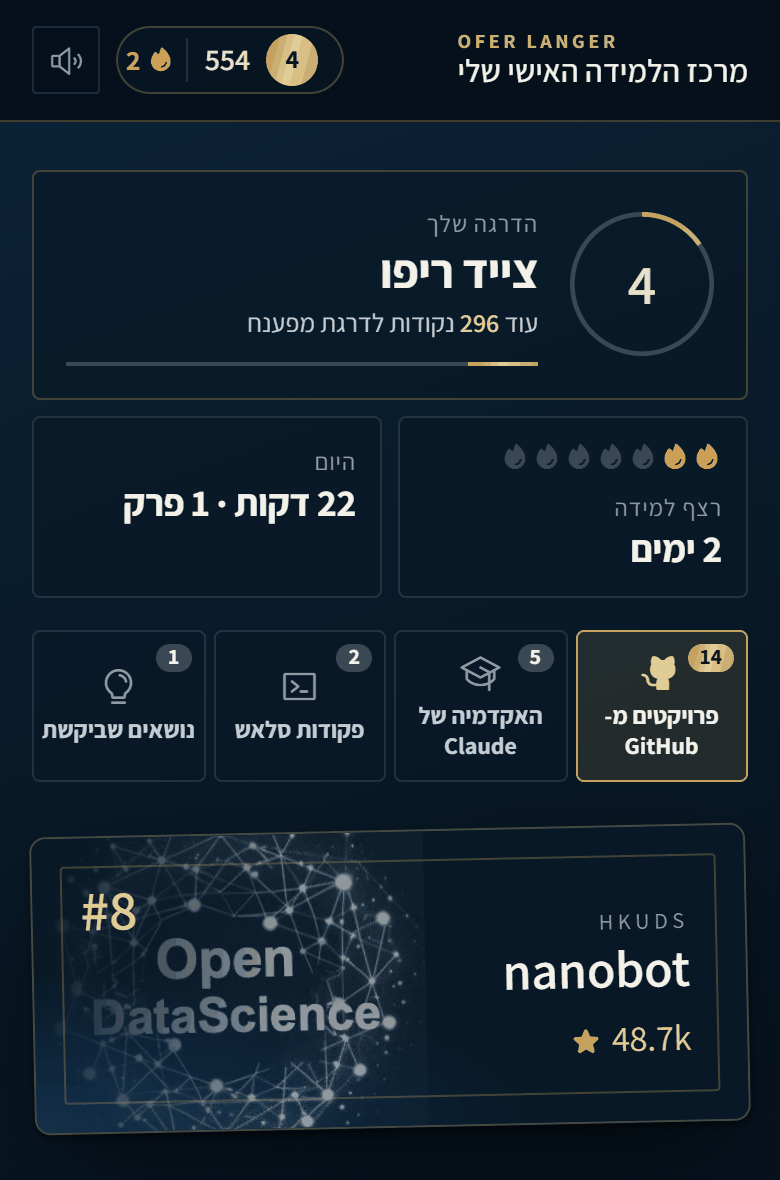
Now give your episodes a home: a simple page that plays them and keeps score, so listening turns into a habit.
- 1. Paste the message below.
- 2. Open the link Claude Code gives you. The app runs on your own computer.
- 3. Play an episode for a couple of minutes.
Check it worked: It worked if the episode plays and your points go up as you listen.
NoteWant a different look or more features? Just ask, for example: "add achievements" or "make it dark blue and gold". Claude Code changes the app and you refresh the page.
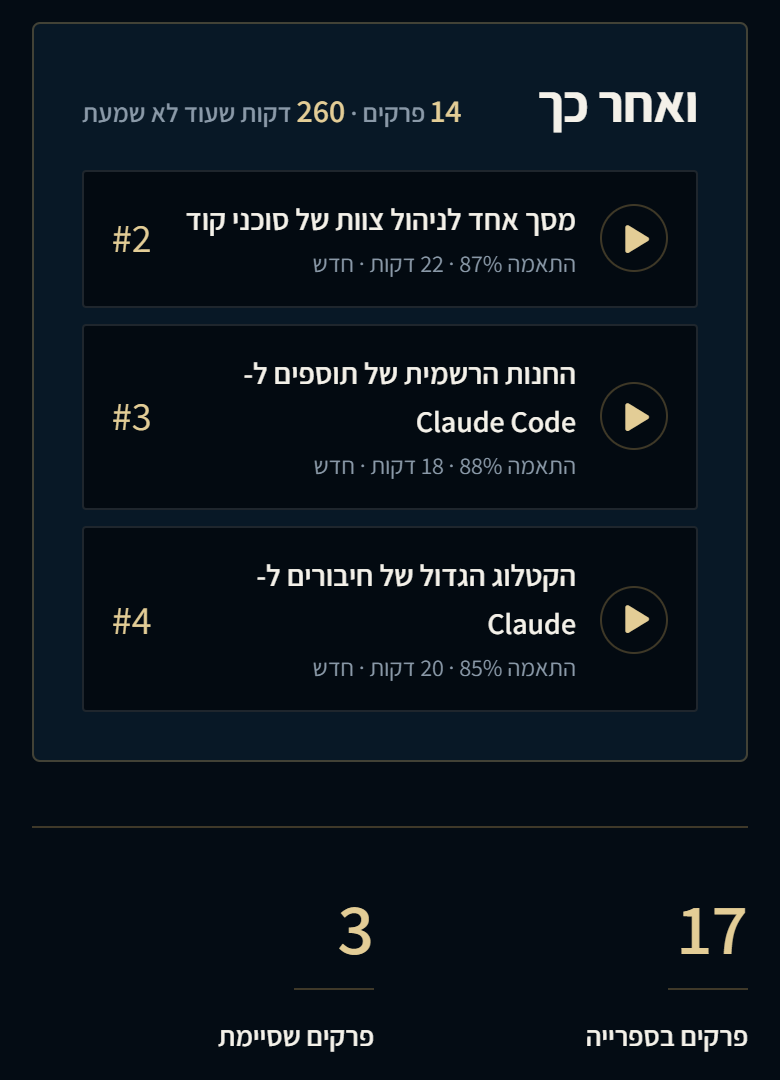
Build me a simple web app in this folder for my podcast episodes. It should run on my computer and open in the browser.
- A list of all the episodes in the episodes folder, newest first, each with a play button.
- 1 point for every minute I actually listen. Show my points, my level, and my streak of days in a row with listening.
- Remember where I stopped in each episode.
- Make it look good on a phone too.
Start it and give me the link.Get a new episode every morning
Last step: let it run by itself. The Claude desktop app can run a task on a schedule, on your computer.
- 1. Paste the message below in the Code tab.
- 2. Open the new task (Routines, in the Code tab sidebar), click Run now once, and pick "always allow" for each permission it asks for. Later runs won't stop to ask.
- 3. Turn on Keep computer awake in Settings > This computer > System.
Check it worked: It worked if tomorrow morning a new episode is waiting in your app.
The same setup works for a whole company, with episodes about each team's own work for onboarding and training.
NoteThe task runs only while the desktop app is open and the computer is awake. If the computer slept through the time, the task runs once when it wakes up.
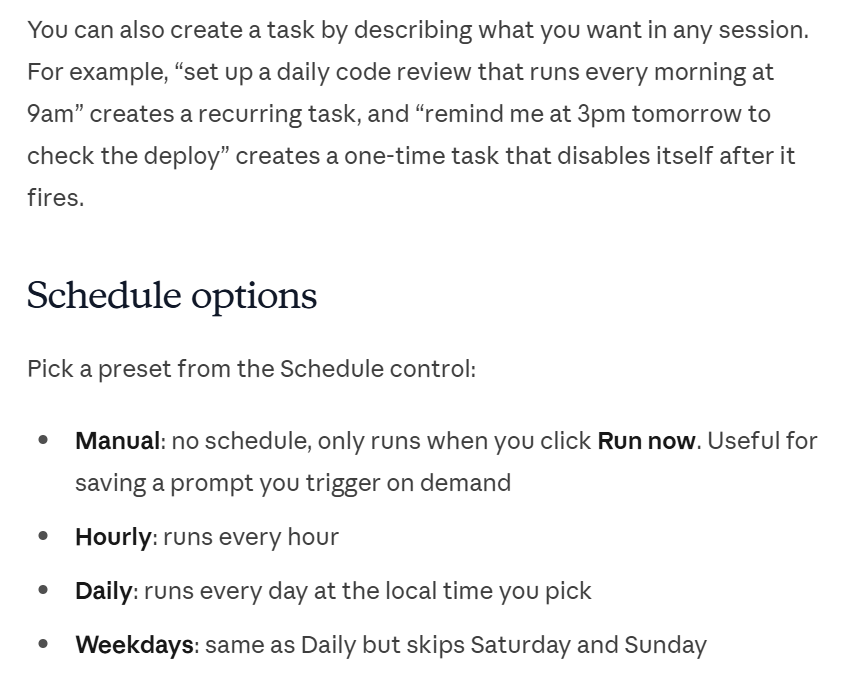
Set up a scheduled task that runs every morning at 6:00 in this folder. Each time: pick one new topic for me based on about_me.md, make a podcast episode about it exactly the way we made the first one, and add it to my app. Keep a list of past topics so you never repeat one.