What you'll get
- A screen with moving waves and no text: you press, talk, and let go.
- One assistant that sees all your projects and open decisions, and answers by voice.
- Real work done on your own computer by Claude Code, with safety limits you control.

Map your world: a list of your projects
The assistant can only send work to the right place if it knows your places. A project is any folder where you work on something: a website, a newsletter, invoices. Claude Code can build the list for you in a minute.
- 1. Open Claude Code in the folder that holds all your projects.
- 2. Paste the message below. Replace the part in angle brackets.
- 3. Read projects.json and fix any line that is wrong.
Check it worked: It worked if every project has a one-line purpose and a few nicknames you would really say out loud.
NoteNo folders yet? Make three practice folders with a one-line README each. In one of them (call it videos) add a file titles.md with three long, wordy video titles: step 5 uses it. Practice on these before you point it at real work.

Look at the folders inside <MY PROJECTS FOLDER>. For each folder, read its README or CLAUDE.md if it has one. Then write a file called projects.json with one entry per folder:
- "name": the folder name
- "purpose": one plain sentence about what the project is for
- "nicknames": 3 to 5 short words I might say out loud to mean this project, in my language
If a folder is unclear, list it at the end and ask me instead of guessing.
Do not change anything inside the project folders.Build the screen: waves and one button
The whole app is one screen with moving waves and no text. You press, you talk, you let go. Start with a fake answer, so you can see the screen work before anything is connected.
- 1. In a new empty folder, open Claude Code.
- 2. Paste the message below.
- 3. Start the app the way it tells you, and open the address in your browser.
Check it worked: It worked if the waves move on their own, and move more while you hold the screen and talk.
NoteThe first microphone request comes from your browser: say Allow. If the waves don't react to your voice, check the browser's microphone permission for this page.

Build a one-page web app that runs on my computer and opens in the browser (later also on my phone). Rules:
1. The whole screen is black, with 7 thin glowing wave lines in soft colors, always slowly moving. Draw them on a canvas.
2. Press and hold anywhere to talk, release to send. While I hold, the waves react to my voice. While she answers, they react to her voice.
3. No text on the screen, ever. Full screen, nothing else.
4. For now, fake the answer: when I release, wait one second and play a short soft sound, so I can test the screen.
Use plain JavaScript and one small Node.js server that starts with one command and listens on this computer only (127.0.0.1), not on the whole network. Tell me in two sentences how to start it.Give her ears and a voice
Now the screen listens and talks back. Start with the free tools your browser already has. Better voices are an upgrade you can add later, in one clearly marked place.
- 1. In the same folder, paste the message below. Change the two names in angle brackets.
- 2. When it creates the .env file, type any keys into that file yourself.
- 3. Hold the screen and ask her a simple question.
Check it worked: It worked if you hear her answer in a short, spoken sentence, and the waves follow her voice.
NoteBrowser speech recognition works best in Chrome or Edge, and Chrome sends the audio to Google to turn it into text: for private business talk, switch to another service later. Never paste a key or a password into the chat with Claude, and never send the .env file to anyone. If she answers slowly, ask Claude Code to make the chat call lighter: no tools, short thinking.

Make the screen really talk. When I release the button:
1. Turn my speech into text, in <MY LANGUAGE>. Start with the browser's built-in speech recognition, and leave a clearly marked place where I can swap in a better service later.
2. Send the text to Claude with the instructions at the bottom of this message. Use the Claude Code command line (claude -p) as the brain, with no tools for this chat.
3. Turn the answer into speech sentence by sentence, so she starts talking before the whole answer is written. Start with the browser's built-in voice, and leave a clear place to swap in a better voice service later.
4. Any key or password goes in a file named .env on my computer. Create the file with empty placeholders and tell me where to type them myself. Add .env to .gitignore. Never ask me to paste a key into this chat, and never print one.

Instructions for the assistant:
You are <NAME>, the COO of <MY NAME>'s company. I talk to you out loud, so every word you write is read aloud.
- Answer in the language I spoke.
- First sentence: short, under 8 words, and it is the answer itself.
- Two sentences at most, unless I say "explain" or "give details".
- No lists, no headings, no emoji, no file names, no code.
- Be warm and direct, like a smart colleague.
- Never invent projects, results or numbers. If it is not in your project list or status, say: "I don't see that right now".Teach her what is waiting for you
This is the step that makes it feel like a real assistant. She sees all your projects at once, so you can ask one question and hear what needs a decision, then decide by voice.
- 1. Paste the message below.
- 2. Ask: "What is waiting for me today?"
- 3. Pick one option out loud, for example: "Approve the first one."
Check it worked: It worked if she gives the exact number of open decisions, reads the most urgent first, and the one you approved is marked as done in decisions.json.
NoteLater, your projects can write their own open decisions into this file, so the list fills itself. For now, three made-up ones are enough to see it work.

Give her eyes on the whole company. Create decisions.json, a list of open decisions. Each one has: id (D1, D2...), project, title, a one-sentence summary, its options, and "urgent" (true or false). Before each of my turns, include this list and projects.json in what she knows. Her rules:
- When I ask what is waiting for me, say the exact number of open decisions, start with the most urgent, and read each in one sentence with its options.
- When I choose an option out loud, confirm in one short sentence and end her answer with a block like {"decide":"D1","choice":"1"}. The server removes that block before the text is spoken, so she never reads it aloud, and marks the decision as done in decisions.json.
Fill decisions.json with three made-up examples (different projects) so I can test.Let her do the work on your computer
Now the real step. When you ask for work, she picks the project, a quick safety check runs, and Claude Code starts inside that project's folder on your own computer. When it ends, she tells you the result out loud.
- 1. Paste the message below. Leave DRY_RUN on.
- 2. Ask for a small, harmless task in a practice project, for example: "Rewrite the three titles in the videos project so they are shorter."
- 3. When you hear "dry run" and what she would have done, turn DRY_RUN off and ask again.
Check it worked: It worked if the practice file really changes, and she reads you the new titles.
NoteA job that runs in the background can't stop and ask you for permission, so a project will get stuck if it needs a tool you haven't allowed. Give each project only the permissions it needs, in its own settings. Keep spending, deleting and publishing as your decisions.
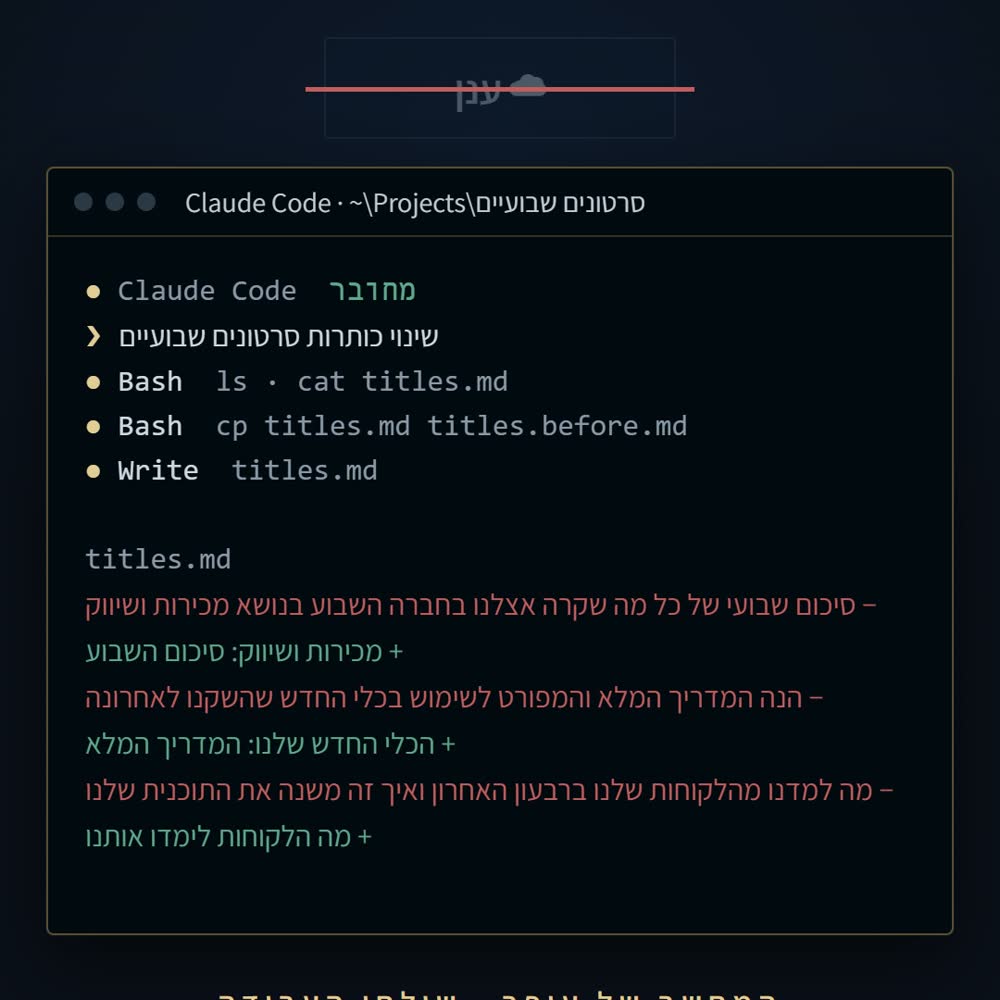
Let her do real work on my computer. When I ask for something that takes more than a spoken answer, she says one short confirmation and ends with a block:
{"project":"<exact folder name from projects.json>","brief":"<2 to 5 sentences: what to do, and how we know it is done>","title":"<up to 6 words>"}
Then the server does this:
1. Check that the project exists in projects.json.
2. Quick safety check first: one short Claude call that answers only yes or no to "does this brief involve spending money, deleting data, passwords or codes, or publishing anything?" If yes, do not run it. Tell me it needs my decision and add it to decisions.json.
3. Otherwise run Claude Code inside that project's folder with claude -p "<brief>". Read the Claude Code documentation for the right options. Allow only the tools that project needs, never everything.
4. Save the final message. Ask a second short Claude call to turn it into two plain spoken sentences, and say them out loud as soon as the job ends. If I asked for something to read (titles, a list), read the content itself.
5. Never run two jobs in the same folder at the same time.
Add a switch DRY_RUN=1 that skips step 3 and only says "dry run" followed by what it would have done. Start with DRY_RUN on.Make it safe, then use it from your phone
An assistant that can act on your computer needs limits. Add them now, before you rely on it. Phone access comes last, and only through a secure, logged-in route.
- 1. Paste the message below.
- 2. Test with typed questions first, then with your voice.
- 3. Only when everything works, follow its steps for phone access.
Check it worked: It worked if the log shows every request, a second job in the same folder waits, and saying "stop" cancels the current job.
NoteNever open your computer to the whole internet to reach it from outside. If you run a company and want this built around your real projects and rules, that is exactly the work I do.
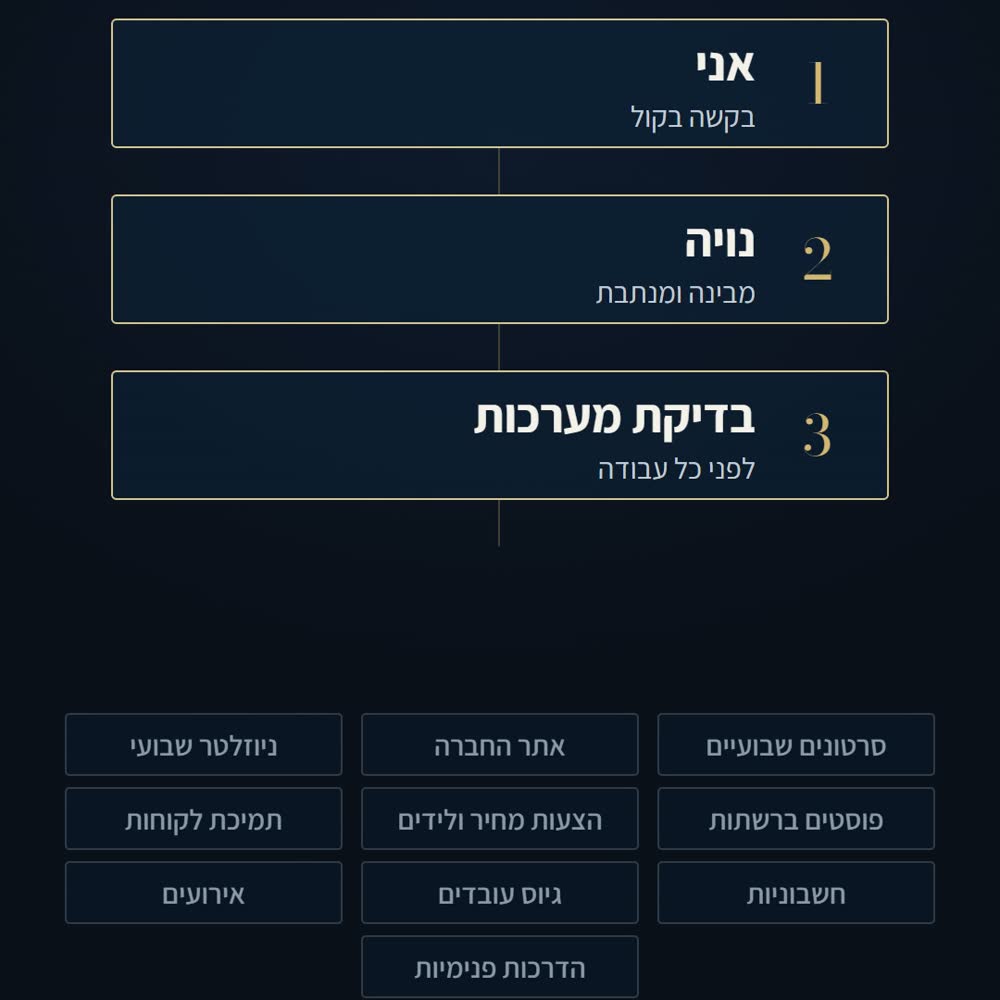
Make it safe and reliable:
1. Write a log of every request, every job and its result.
2. Limit it to two jobs at a time, and stop each job after a time limit I choose.
3. A stop word: if I say "stop", she stops talking and cancels the current job.
4. A test script that sends typed questions through the same path, so I can test without speaking.
5. Instant actions only from a short list I approve: for example open the calculator or open a text editor.
6. Explain how to open the app on my phone safely: only through a secure tunnel with a login. Never open a port to the internet. The app itself must also require a secret code on every request, even through the tunnel. Do not set up anything outside my computer without asking me first.